Workshops
Agenda, times, timer, presentation and participation work together. Facilitators and participants always see where the workshop stands.
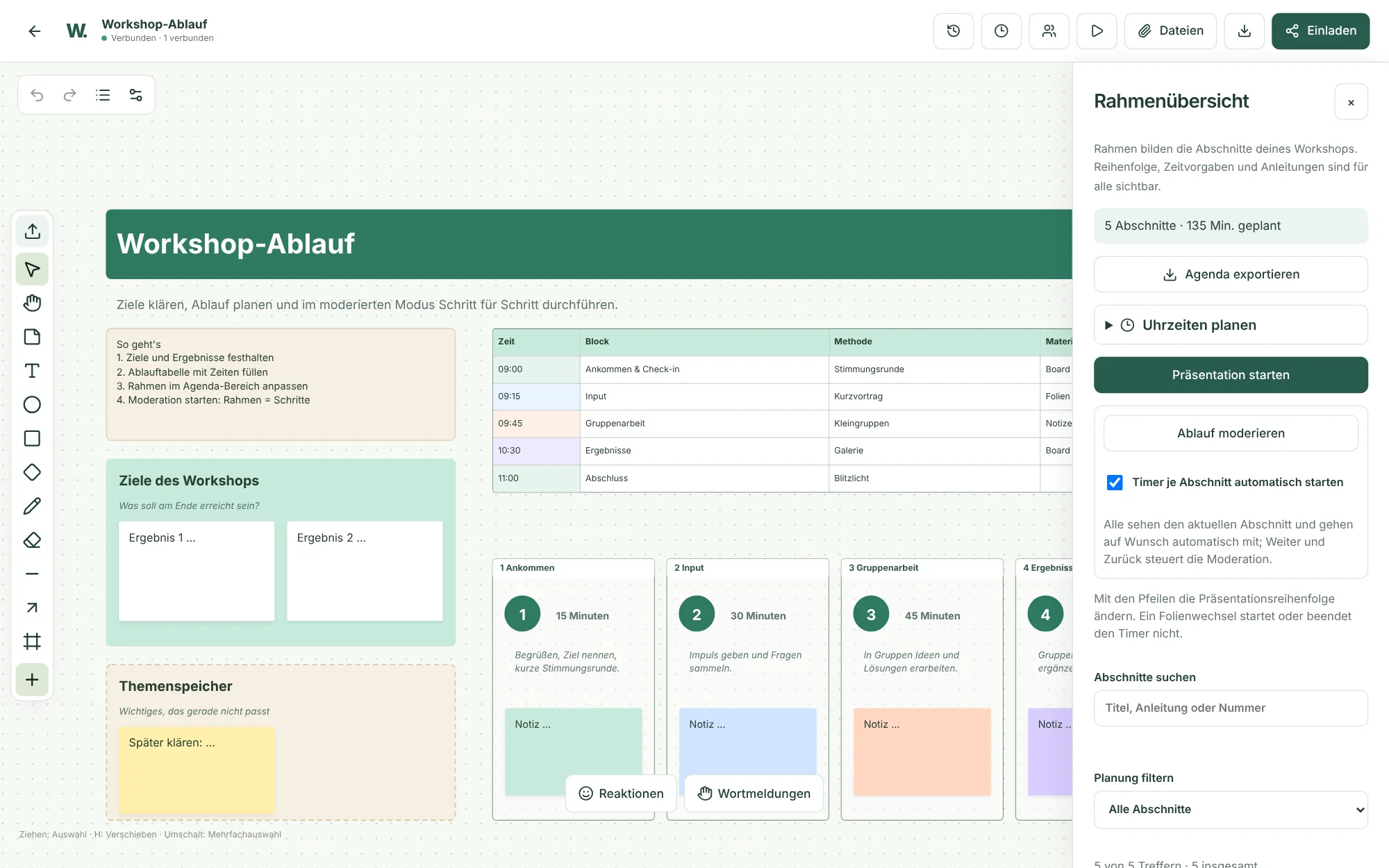
01 · Plan
Frames become sections with instructions and planned minutes. With a start time WiBo calculates start and end of each section and the planned overall end; day changes are marked.
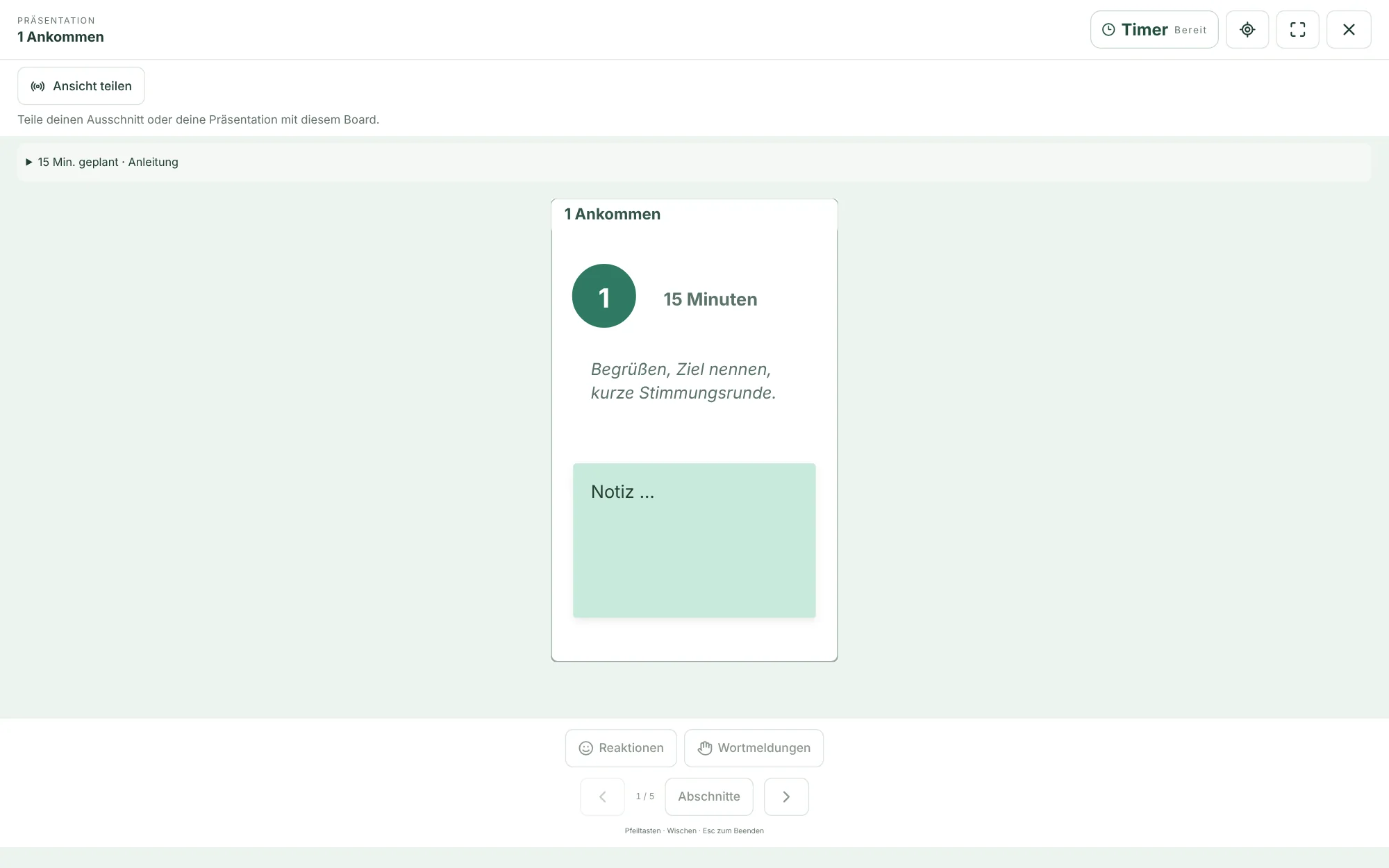
02 · Run
The presentation shows frames in agenda order. Participants follow along, pause if needed and catch up with “Follow live”. The shared timer can be controlled right in the presentation.
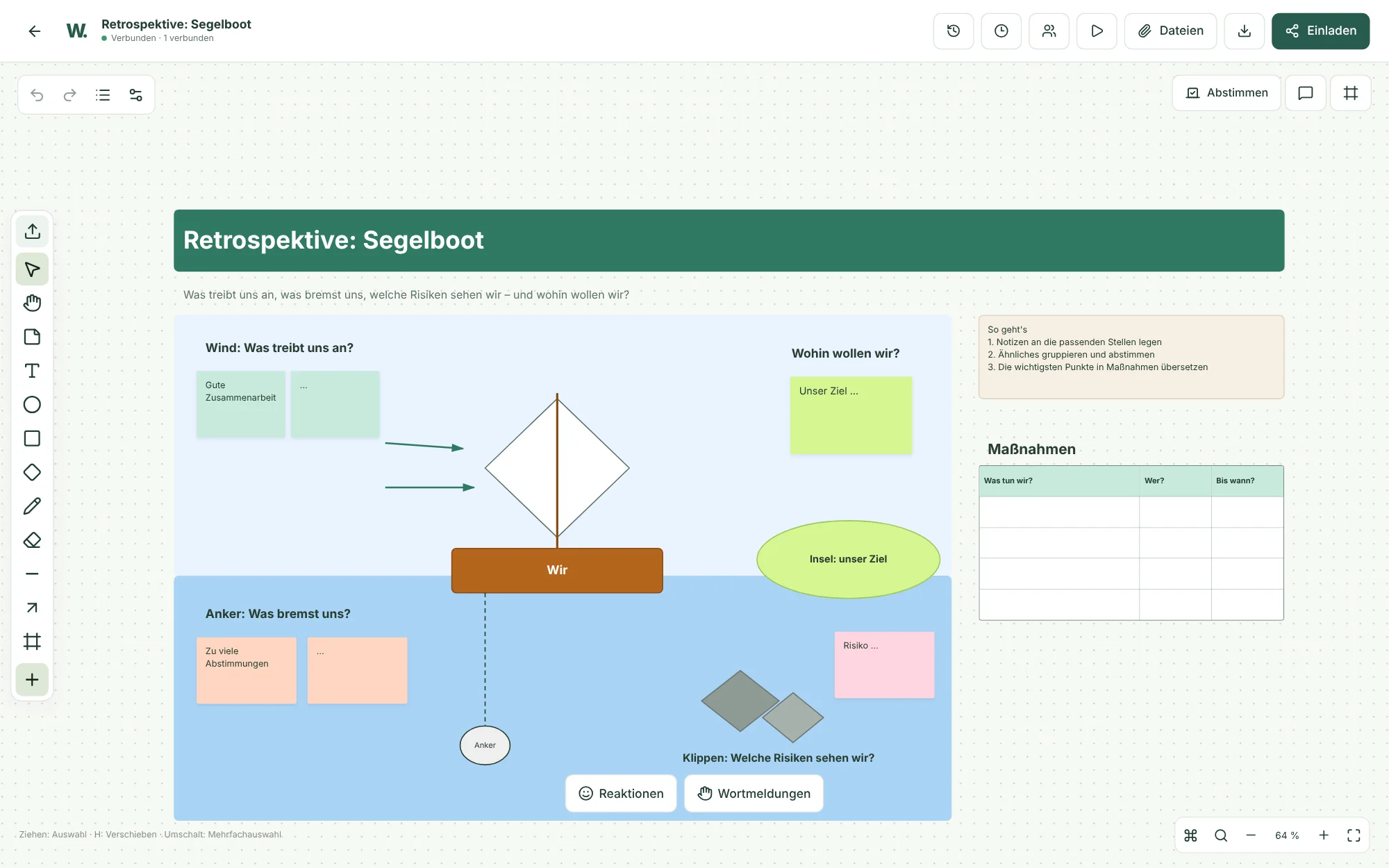
03 · Involve
Dot voting, comments, reactions and raised hands work in board, presentation and follow view, including guests via a link.
Start, pause, resume, extend and reset for everyone; the section duration is only taken over on explicit request.
Raise and lower your hand, order updates live, your own position visible; facilitators close raised hands.
Agree, applause, good idea, question and break request, visible for six seconds or as compact counters.
Spread dots over selected objects, compare ranks and shares, export rounds as CSV without individual votes.
View, comment or edit, duration from one day to ten years, optional display name.
Search by name and role, activity filters, jump to a cursor or follow a view.
Discussions on objects with replies, status, search and export as Markdown minutes or CSV.
Save board versions, compare them with the current state and restore when needed.